

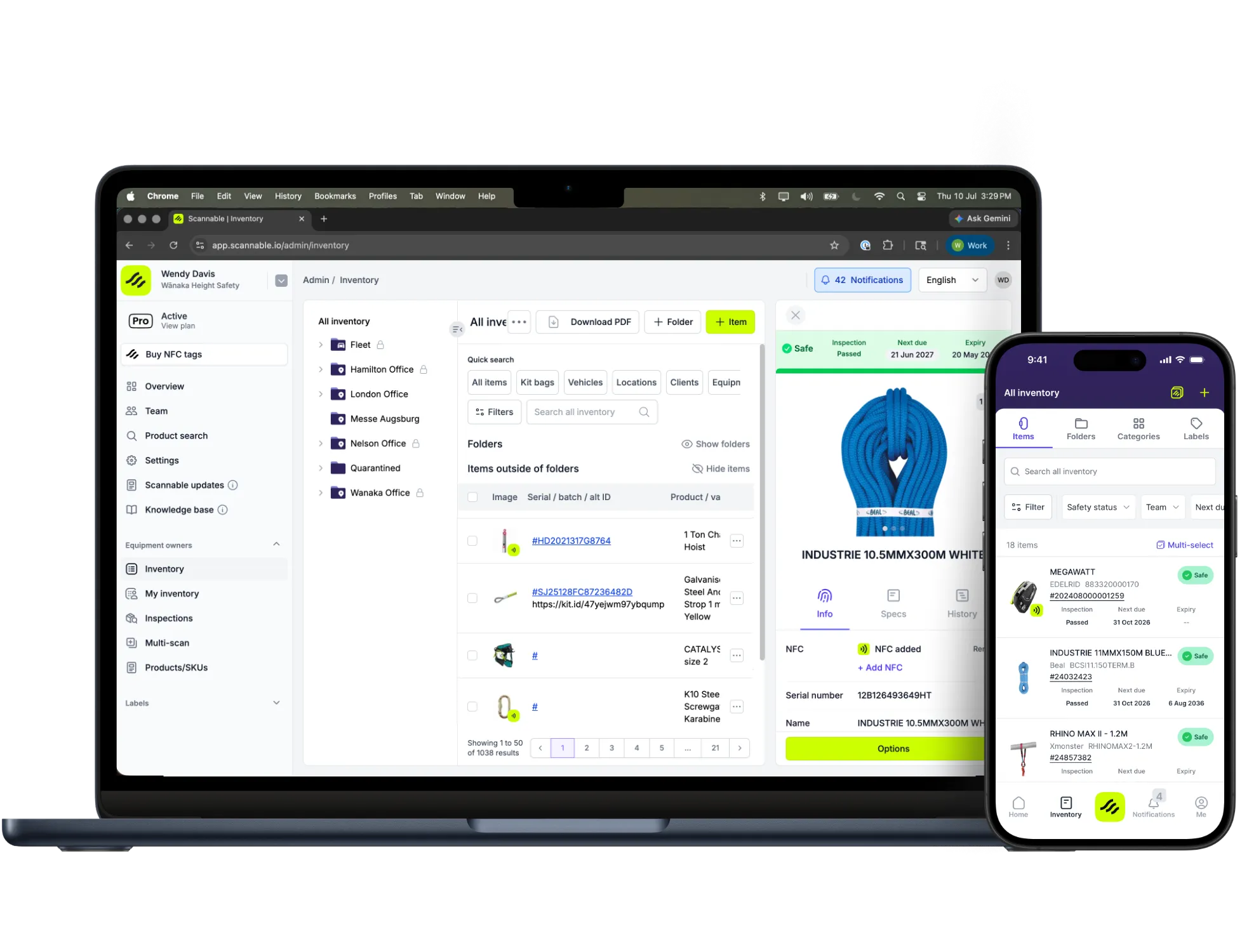
- Items: everything you own in one list.
- Folders: where equipment lives, such as locations, vehicles and kit bags. An item sits in one folder at a time.
- Categories: filter by product type, such as harnesses or carabiners. Categories come from manufacturer data, so there’s nothing to set up.
- Labels: how equipment is used. Groups are now called labels, and an item can have several.
- Add several items at once: scan serials and link NFC tags as you go, then review them together.
· Mobile app 3.0
- Improved
- Equipment owners
- Both
Four ways to see your inventory on your phone
Browse by item, folder, category or label, and add several items of the same product in one go. Groups are now called labels.
Learn more: Scannable for equipment owners
Earlier updates
- 5 December 2025Scan NFC tags in the web app with a USB reader
- 26 November 2025Manage your team from your phone
- 5 November 2025Safe working load saved from thorough inspections